Data Analysis: Using Telemetry to Improve Lap Times
Racing Setup Optimization: Using Telemetry to Improve Lap Times in Motorsport
Whether you're tackling the high-speed straights of Bathurst or the technical corners of Phillip Island, mastering your racing setup is crucial for shaving seconds off your lap times. In this guide, we'll explore how to use telemetry data for racing setup optimization, car tuning, and overall motorsport performance. Learn to interpret data, make informed adjustments, and dominate the track.
Understanding Telemetry in Racing Setup
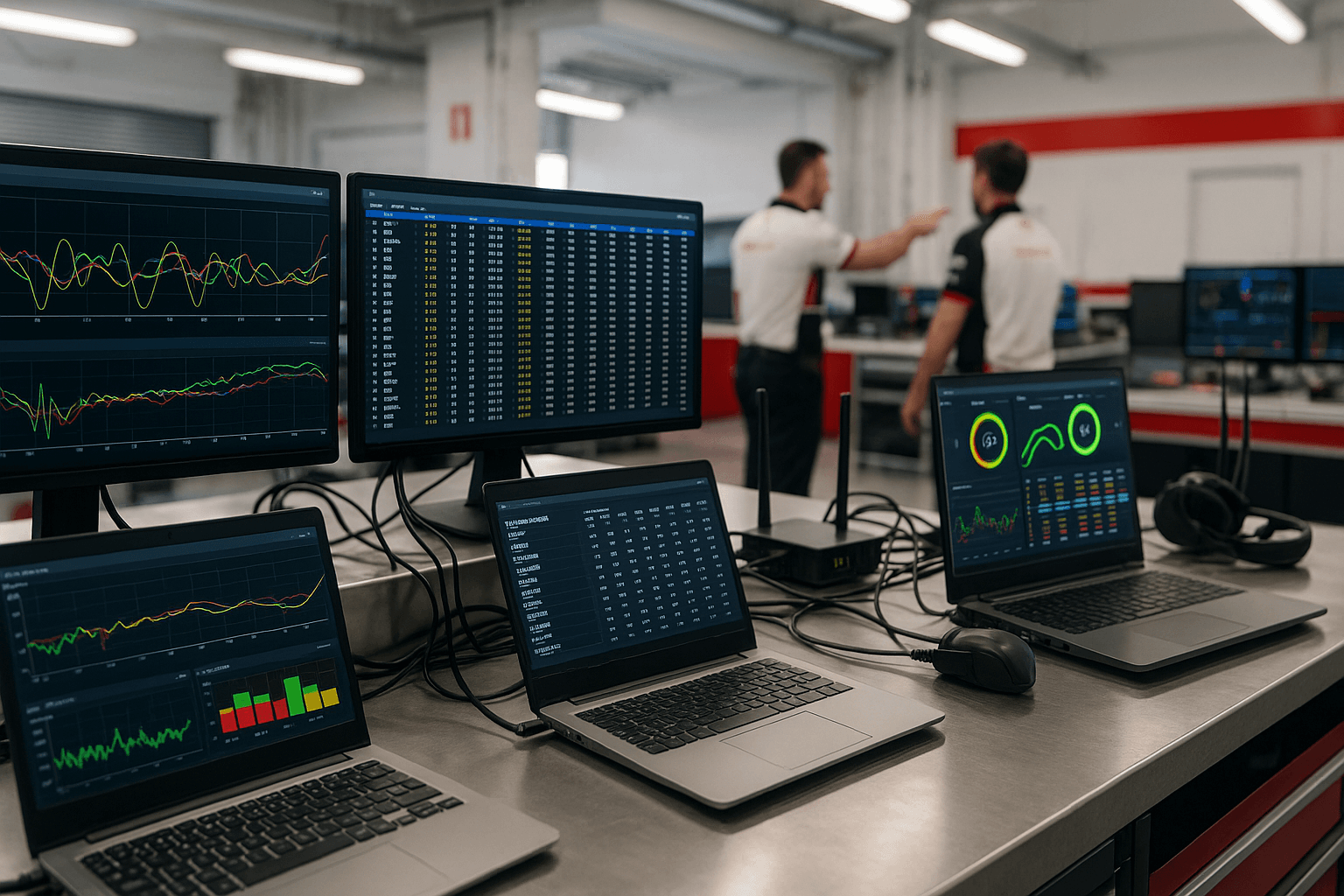
Telemetry is the backbone of modern racing car setup. By analyzing key metrics, you can identify areas for improvement and fine-tune your vehicle for optimal performance. Here’s how to leverage telemetry for track tuning and race car optimization.
Key Telemetry Channels for Racing Setup
Focus on these essential channels to optimize your vehicle setup:
- Speed:
km/h– Analyze acceleration and braking zones. - Throttle/Brake Input:
%– Evaluate driver inputs and engine response. - Steering Angle:
degrees– Assess cornering technique and front-end grip. - Longitudinal/Lateral G-Forces:
g– Measure acceleration, braking, and cornering forces. - Suspension Travel:
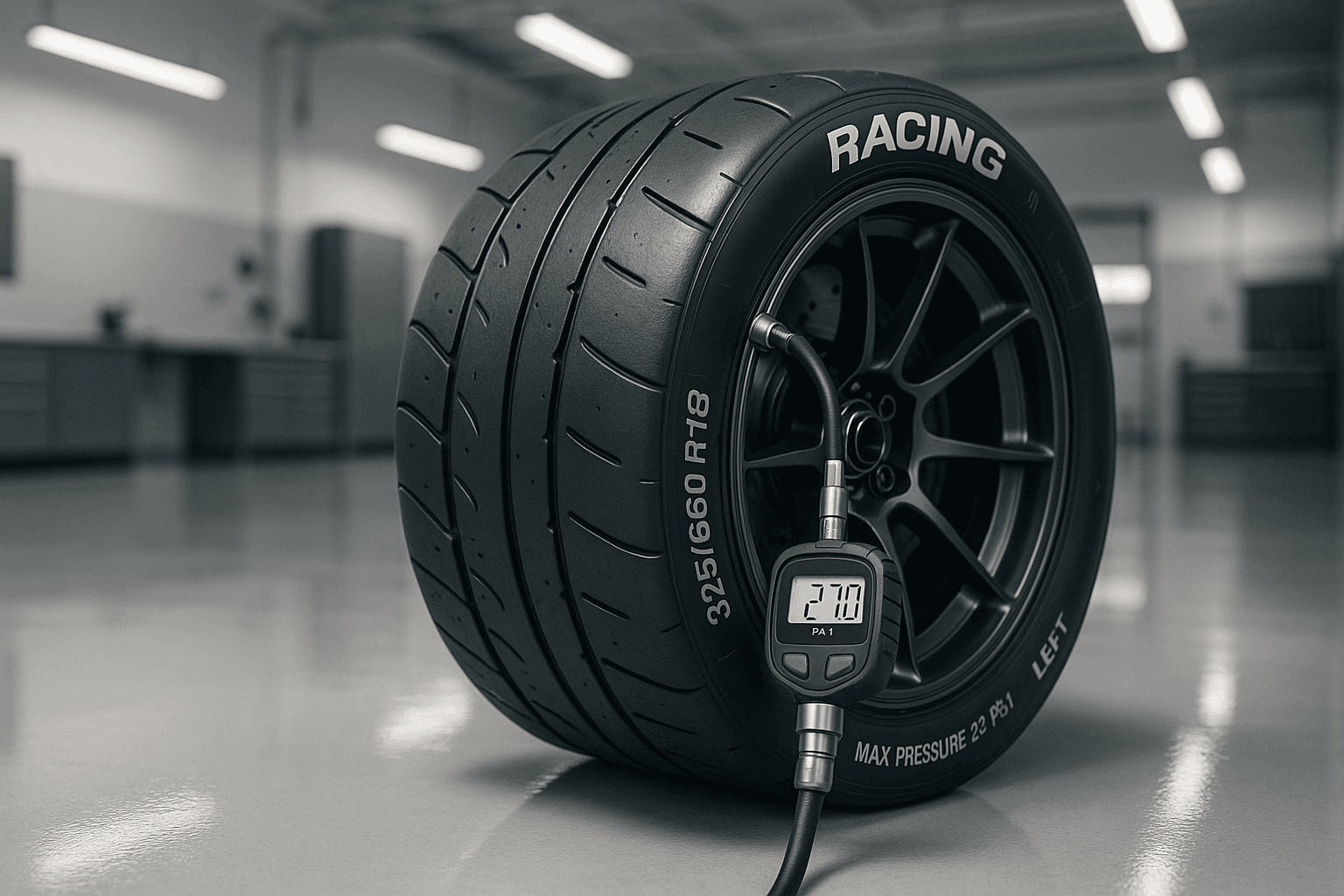
mm– Analyze ride height and damping effectiveness. - Tire Temperatures:
°C– Monitor grip levels and wear. - Gear Position: – Correlate RPM and speed with gear changes.
Step-by-Step Guide to Telemetry Data Analysis
1. **Lap Overlay: Spot the Differences**
Compare your fastest lap to slower ones, focusing on:
- Braking Points: Look for variations in
brake pressureandlongitudinal g-forces. - Cornering Speed: Analyze
lateral g-forcesandsteering angle. - Throttle Application: Check
throttle%on corner exit for optimal traction.
2. **Sector Analysis: Breaking Down the Track**
Divide the track into sectors and analyze performance in each:
- Sector 1 (Braking & Entry): Focus on
brake pressureandsuspension travel. - Sector 2 (Mid-Corner): Evaluate
lateral g-forcesandtire temperatures. - Sector 3 (Exit & Acceleration): Monitor
throttle%andlongitudinal g-forces.
3. **Trend Analysis: Seeing the Bigger Picture**
Look for patterns over multiple laps to identify:
- Tire Degradation: Increasing
lap timeswith risingtire temps. - Fuel Load Effect: Decreasing
sector timesas fuel burns off.
Translating Data into Setup Changes
Use your telemetry insights to make informed adjustments to your racing suspension setup and vehicle dynamics:
- Spring Rates: Adjust to improve ride quality and handling. Typical ranges are
3,000–15,000 N/mmdepending on vehicle and track. - Dampers: Fine-tune compression and rebound settings. For example,
+2 clickson rebound for better traction. - Anti-Roll Bars: Reduce body roll by adjusting stiffness. E.g.,
1 turnsofter for more mechanical grip. - Ride Height: Optimize aerodynamics and weight distribution. E.g.,
55 mm frontand60 mm rear.
Case Studies: Telemetry in Action
Case Study 1: Understeer at Phillip Island
Symptoms: Lower lateral g-forces (0.8g vs 0.9g in other corners) and cooler front tire temps (85°C vs 95°C rears).
Solution: Softened front anti-roll bar by 1 turn and increased front ride height by 3 mm. Gained 0.3 seconds in the sector.
Case Study 2: Traction Loss at Wakefield Park
Symptoms: Limited throttle% (60% on exit) and high rear tire temps (110°C).
Solution: Increased rear damper rebound by 2 clicks and reduced rear toe-in by 0.5 degrees. Improved traction and gained 0.2 seconds.
Common Mistakes to Avoid
- Over-Adjusting Dampers: Too stiff settings cause harsh ride and reduced traction.
- Ignoring Tire Temperatures: Improper setup leads to uneven wear and overheating.
- Neglecting Weight Distribution: Uneven corner weights result in inconsistent handling.
Pro Tips for Advanced Setup
- Use Data Loggers: Monitor
suspension travel,tire temps, andg-forcesfor precise adjustments. - Test Incrementally: Change one variable at a time (e.g.,
+1 clickon rebound) and log results. - Consider Track Conditions: Adjust for temperature and surface grip. For wet conditions, soften dampers by
2-3 clicks.
FAQ: Telemetry and Racing Setup
What are the best software tools for telemetry analysis?
Popular options include MoTeC i2 Pro, AIM Race Studio, and PiTool. Choose based on your budget and needs.
How often should I analyze telemetry data?
Analyze data after every session to identify trends and make timely adjustments.
Can telemetry help with tire management?
Yes, monitoring tire temperatures and wear patterns can help optimize tire performance and longevity.
Conclusion
Telemetry data is a powerful tool for racing performance optimization. By focusing on key channels, interpreting patterns, and making informed setup changes, you can consistently improve your lap times. Start analyzing your data today and take your racing to the next level!
"The right setup doesn’t just make you faster—it makes you consistent, and consistency wins races."
Ready to optimize your setup? Begin with a single lap analysis, identify one area for improvement, and iterate from there. Your podium finish awaits!